Cloudflare
Create API Token
Go to your profile clicking the user icon in the upper right corner. 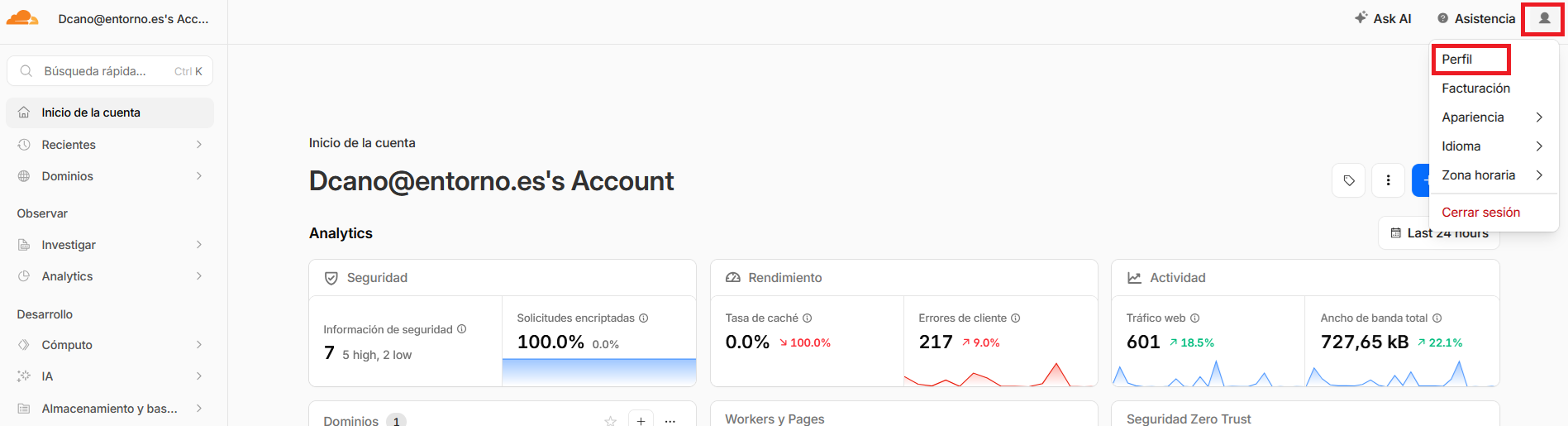
Click API Tokens on the sidebar. 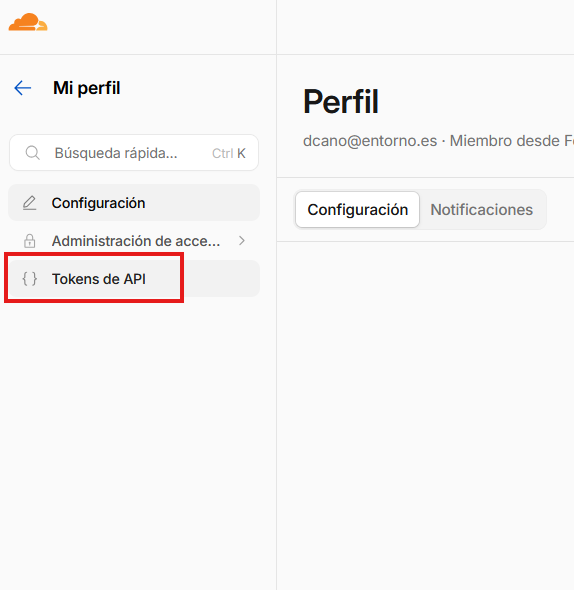
Create a new token. 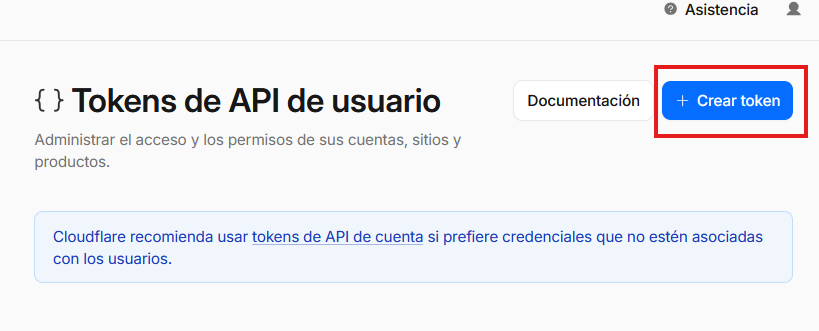
Choose the Edit DNS zone template. 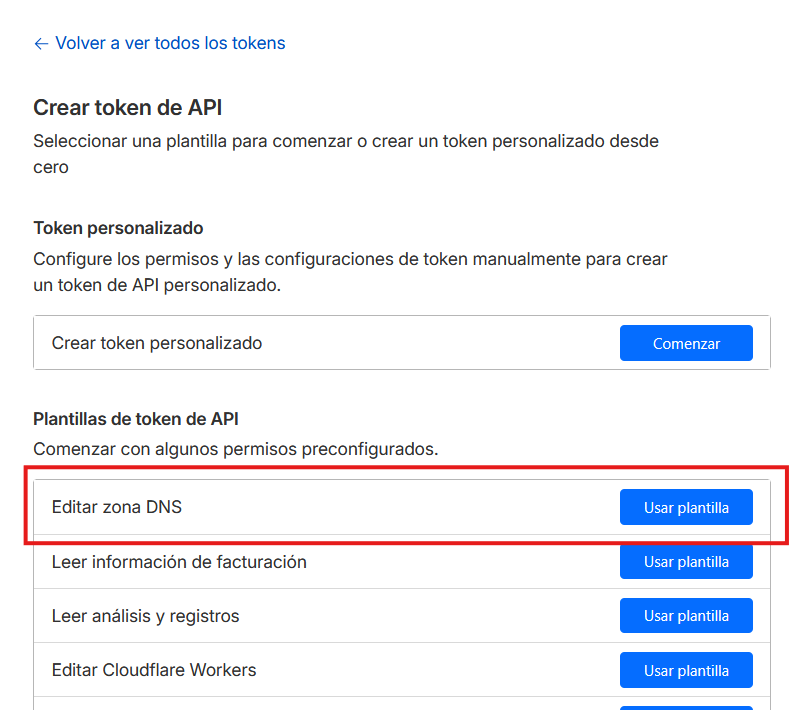
Add permission to the API Token to all zones or only to one. 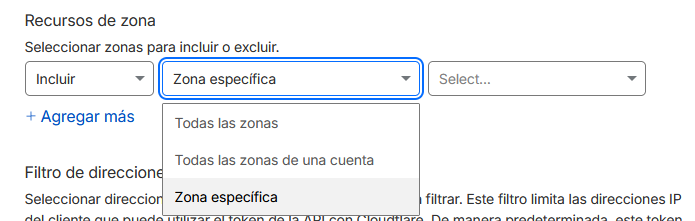
Limit the token by IP if needed. 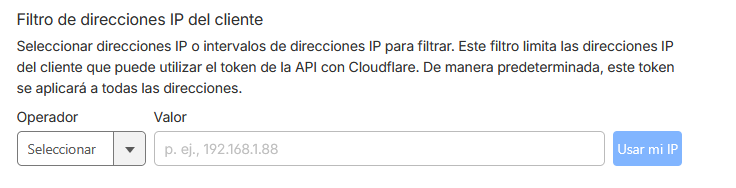
Create the token. 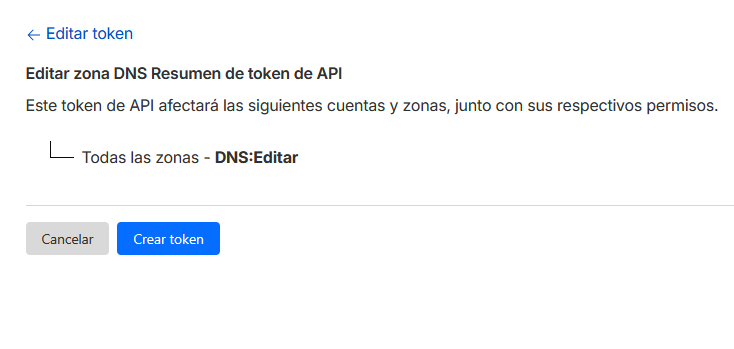
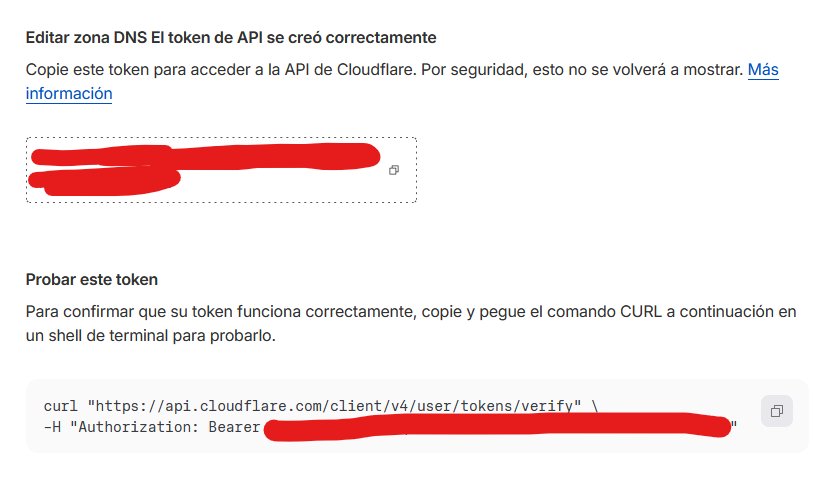
Copy the token and check that it works correctly.